
Skip to content
Documents

Documents anyone can verify by QR code

Four document modules — two for institutions, two for companies. Upload the PDF you already produce or generate it from a template, place the IVQA QR code, apply it: the public verification page shows the issuer, the holder where there is one, and the current status.

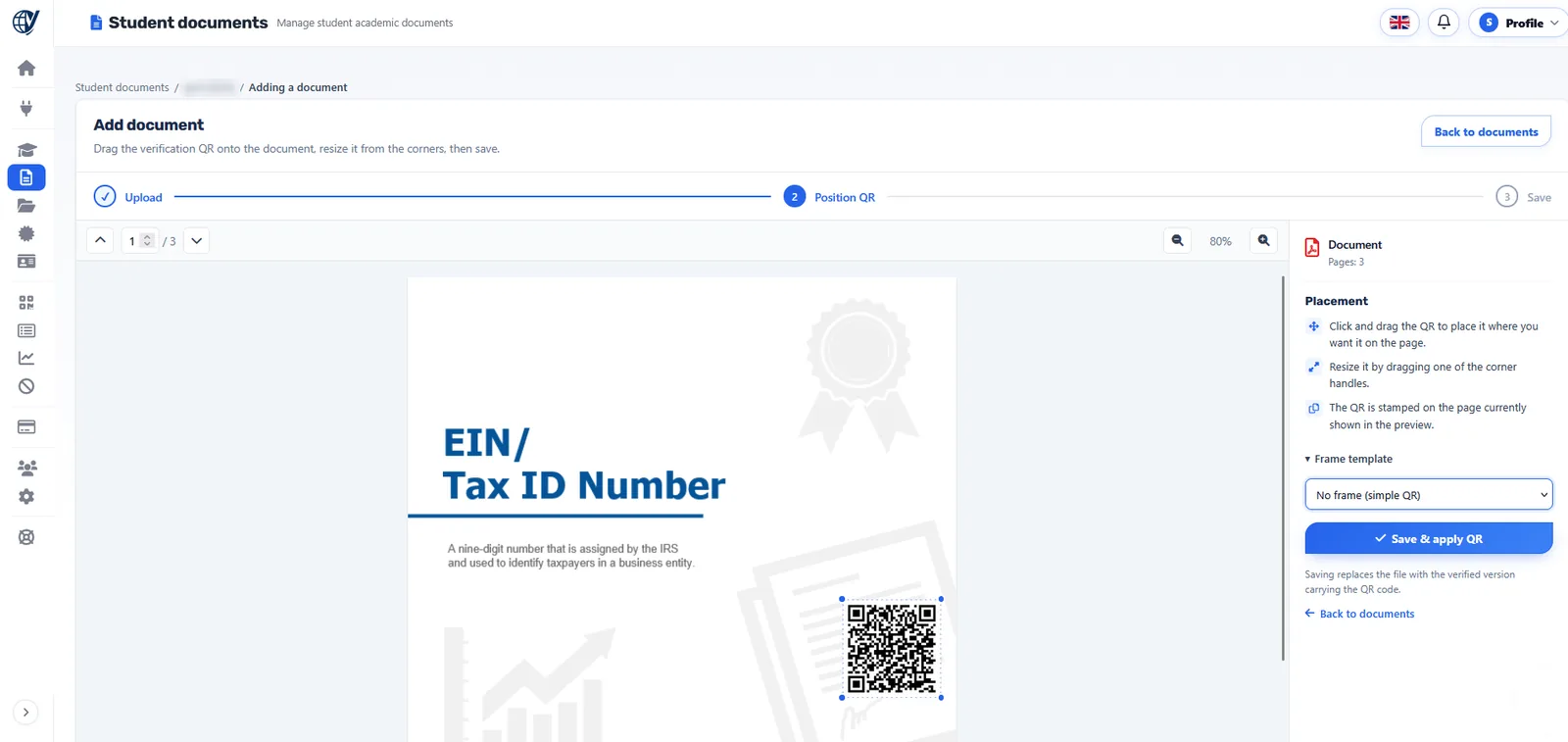
The IVQA Student documents editor at the Position QR step: the uploaded document with the verification QR placed on it, corner handles to resize it, and the Save & apply QR panel.
IVQA screenshot: Student documents › Add document › Position QR. Student name masked.
Four modules

Documents for students, institutions, employees and companies

Institutions

Student documents

Attendance certificates, transcripts, internship and achievement certificates, recommendation letters — kept with each student.

Learn more
Institutions

Institution documents

Official documents issued in the institution's own name, with its letterhead and seal.

Learn more
Companies

Employee documents

Work certificates, employment letters, attestations and training records — kept with each employee.

Learn more
Companies

Company documents

Documents the company issues in its own name, shown with the company as issuer.

Learn more
Included for every document

What each document receives

A unique QR code

Placed where it fits on your own PDF; any phone camera opens it.

A reference

For checks without a camera: enter it on the public verification page.

A live status

Valid, revoked or expired — controlled by your organization, shown by IVQA.

Validity dates

Optional start and end dates: not yet valid before, expired after.

Documents and credentials

Two families, one verification

Documents are the files your organization issues — generated or uploaded, with the IVQA QR applied. Credentials are the diplomas, certificates, student e-cards and employee badges that identify a person's achievement or role. Both get the same QR code, the same public page and the same status control.

The four credential typesHow verification works

  • Student documents and Employee documents belong to a person in your registry.
  • Institution documents and Company documents belong to the organization itself.
  • All four are secured in the same editor: upload, position the QR, save & apply.
  • All four appear in your analytics and your activity log.

Make your first document verifiable

Create your organization account and secure the documents you already issue.